
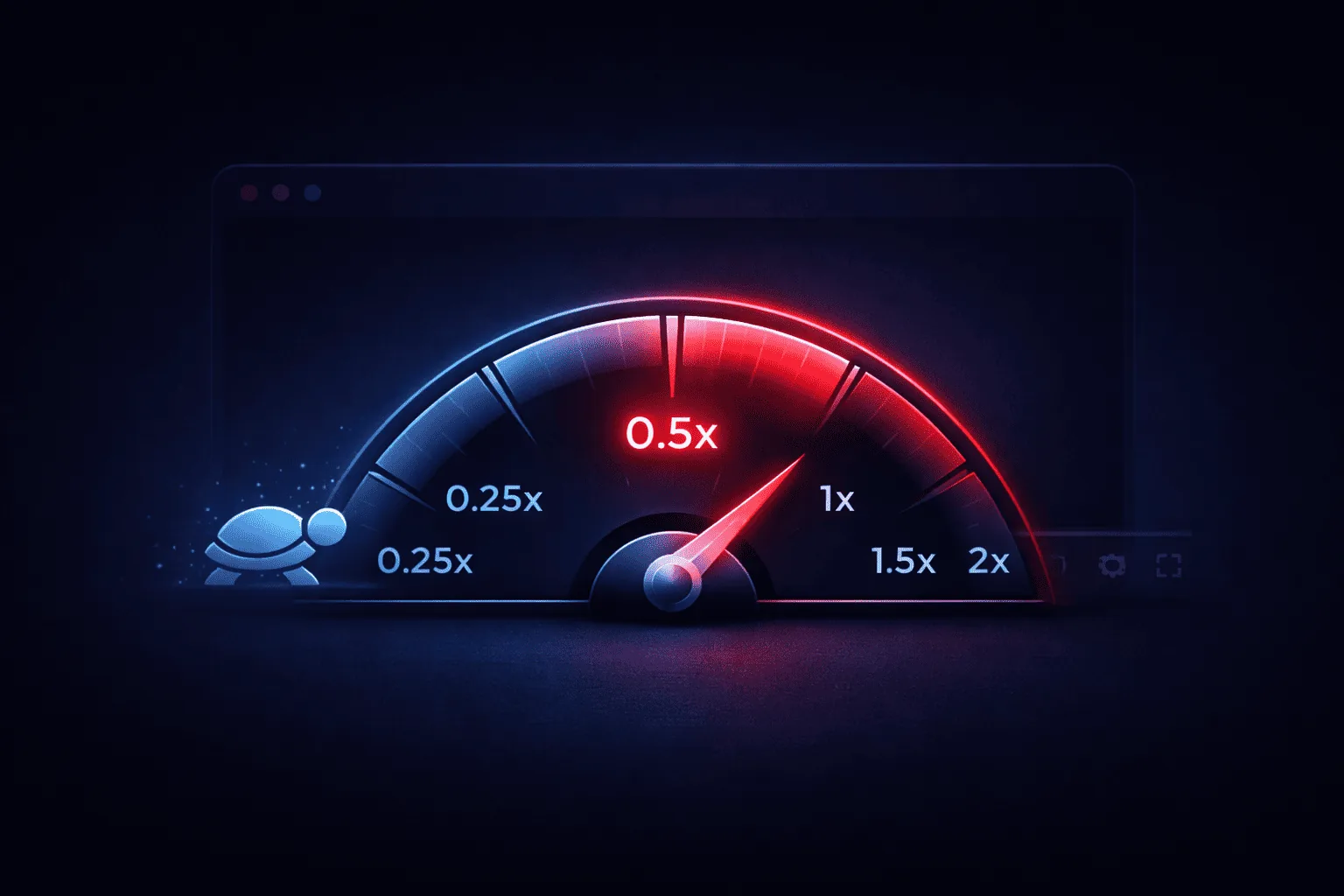
Slowing down a YouTube video is invaluable for musicians learning solos, athletes analyzing technique, language learners catching fast speech, and anyone who needs to catch details that pass too quickly at normal speed. Here are the two main methods.
Method 1: YouTube's Built-in Playback Speed
YouTube allows you to change playback speed natively. Here's how:
- Open your video on YouTube.
- Click the gear icon ⚙️ in the bottom right of the player.
- Select "Playback speed".
- Choose from: 0.25, 0.5, 0.75, Normal (1), 1.25, 1.5, 1.75, or 2.
Limitation: This slows the entire video. The native loop repeats the full video. For repeatedly practising a chosen section, use an AB looper to set start and end points.
Method 2: InfiniteLooper — Slow Down + Loop Any Section
For serious practice, you need to combine slow playback with looping. InfiniteLooper lets you do both at once:
- Go to InfiniteLooper.tube.
- Paste your YouTube URL.
- Set the A/B loop points around the section you want to analyze.
- Use the Speed slider to set playback to 0.25x, 0.5x, or another speed supported by the YouTube player for that video.
- Press Play — the section will loop endlessly at your chosen slow speed.
This is dramatically more powerful than YouTube's built-in speed control because the loop + slow speed combination runs continuously without any manual intervention.
What Speed Should I Use?
- 0.25x — For very fast passages: shredding guitar solos, rapid drum fills, fast speech in foreign languages, complex sports moves
- 0.5x — For moderately fast content: normal song learning, analyzing dance choreography, studying lecture content
- 0.75x — Slightly slowed: natural-sounding enough to shadow-speak along for language practice
- 1.25x–2x — Speeding up: listening to podcasts or lectures faster, reviewing content you've already mastered
Use Cases for Slow YouTube Playback
Musicians
Slow down fast guitar solos to 0.25x to identify every note. Loop the passage and gradually increase speed as you master it at each tempo. See all music practice tools →
Athletes and Fitness
Analyze a tennis serve, golf swing, or martial arts technique in slow motion. Set an AB loop around the movement and watch it on repeat at 0.25x to catch every detail of body positioning.
Language Learners
Slow native speech to 0.75x to clearly hear individual words, especially in languages with strong liaisons or reduced vowels like French and Portuguese. See all language learning tools →
Students
Slow down fast-paced lecture videos to catch complex formulas or diagrams you need to write down. See all study tools →
Frequently Asked Questions
Can I slow down a YouTube video to 0.1x?
YouTube's minimum is 0.25x. InfiniteLooper also uses 0.25x as its minimum speed, which is already very slow for most purposes.
Why does the audio sound distorted at very slow speeds?
At 0.25x speed, some pitch distortion is normal — it's a technical limitation of audio time-stretching. Most content remains intelligible at 0.5x and 0.75x.
Conclusion
For quick speed adjustments on the fly, YouTube's built-in speed control is fine. But for serious practice — where you need to combine slow playback with looping — InfiniteLooper is the superior tool. It's free, instant, and works on mobile too.
Try your next practice loop
Loop a section and adjust its speed free. Premium keeps your titled loops, tags and notes together in your account.
Open the free looper